How to Build a Winning Web Design Portfolio (Even Without Client Experience)
Published · Updated
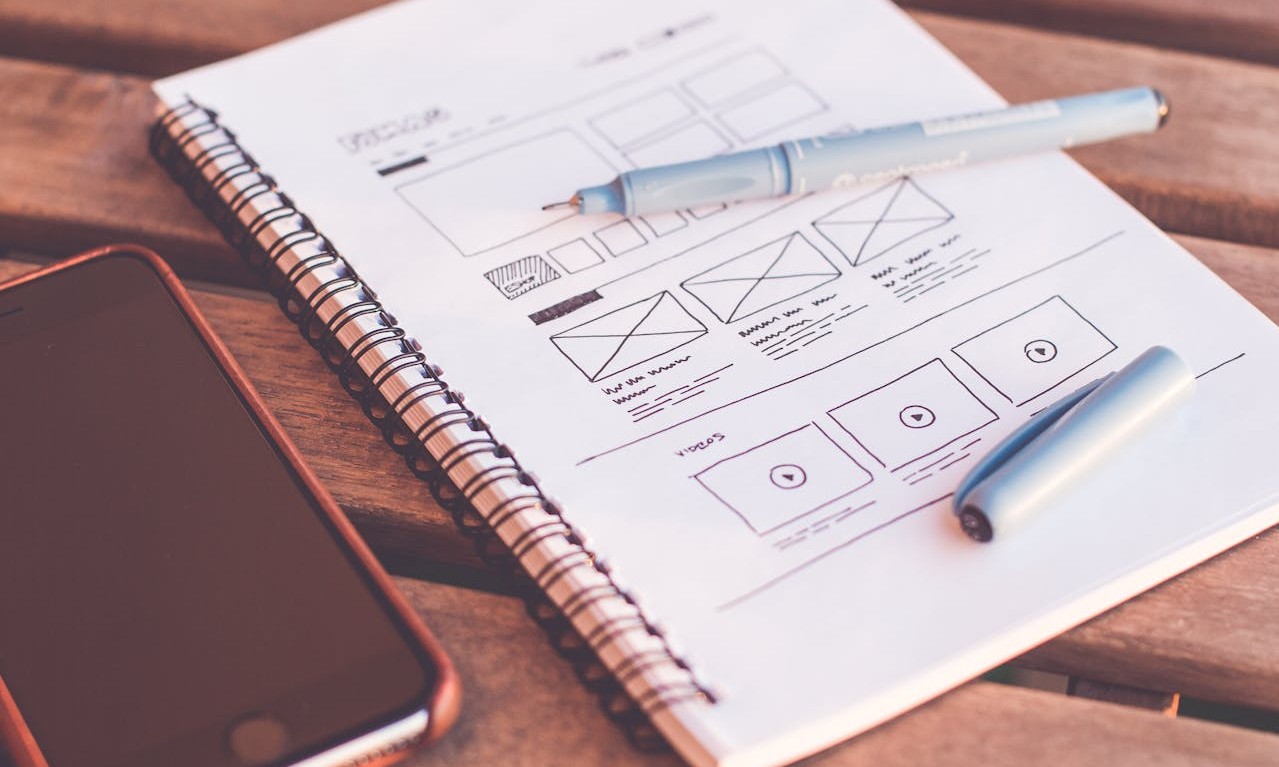
Introduction: Why Your Portfolio Matters More Than Your Resume
In web design, your portfolio is your most powerful tool for landing jobs, freelance clients, and proving your skills. Whether you’re a beginner, career changer, or self-taught designer, a strong portfolio can help you break into the industry—even without client experience.
But here’s the challenge:
How do you build an impressive portfolio without real clients or work experience?
What should you include to showcase your skills and creativity?
Where should you host your portfolio to attract potential employers or clients?
If you’re asking these questions, you’re in the right place! This guide will walk you through:
How to create a professional portfolio from scratch
The best types of projects to include (even if you’ve never had clients)
How to showcase your skills in case studies
Where to host your portfolio for maximum visibility
Questions Answered in This Guide
What should be included in a web design portfolio?
How can I build a portfolio if I’ve never worked with clients?
What are the best platforms to host a web design portfolio?
How many projects should I include in my portfolio?
What makes a web design portfolio stand out to employers and clients?
(Find detailed answers at the end of this article.)
Step 1: Understand What Makes a Great Web Design Portfolio
A strong web design portfolio does more than display your work—it tells a story about your skills, creativity, and problem-solving abilities.
Key Elements of a Winning Portfolio:
Home Page – A visually appealing landing page that introduces who you are and what you do
Project Showcases – High-quality case studies or projects that demonstrate your design skills
About Page – A short bio explaining your background, skills, and design philosophy
Contact Section – A way for potential clients or employers to reach you
Optional: Testimonials & Blog – Social proof and content that establish credibility
Step 2: Build Your Portfolio Without Client Work
You don’t need paid client work to showcase your skills. Instead, create high-quality personal projects that reflect your talent.
1. Redesign Existing Websites
Pick a website (a small business, non-profit, or outdated site).
Improve its layout, typography, colors, and usability.
Write a case study explaining your design choices.
Example: Redesign a local restaurant’s website and explain how your design improves user experience.
2. Create Fictional Projects
Design a landing page for a fake startup.
Build an e-commerce store mockup.
Create a mobile app UI/UX prototype.
Tools to Use:
- Figma – For UI/UX prototypes
- Webflow – For interactive website designs
- Adobe XD – For detailed design mockups
Pro Tip: Recruiters love seeing problem-solving skills, so include a brief explanation of your design decisions.
3. Volunteer for Non-Profits or Small Businesses
Offer free or discounted web design services to a charity or a friend’s business.
Treat it like a real project—conduct research, design mockups, and refine the website.
Where to Find Non-Profit Web Design Opportunities:
- Catchafire – Volunteer for non-profits
- Taproot Foundation – Connects professionals with impact-driven projects
4. Document Your Process in Case Studies
A portfolio isn’t just about pretty pictures—case studies make it compelling.
How to Structure a Case Study:
Problem: What was wrong with the original design?
Your Approach: What steps did you take to solve it?
Design Process: Wireframes, color choices, UI/UX decisions
Final Outcome: Before & after visuals
Example Portfolio Case Studies:
- Behance Web Design Portfolios
- Dribbble – Web designers showcase projects
Pro Tip: Clients love storytelling—explain your thought process and design choices!
Step 3: Choose the Best Platform to Host Your Portfolio
Your portfolio should be easy to access, visually appealing, and mobile-friendly.
Best Platforms for Hosting Your Web Design Portfolio:
Your Own Website – (Best Option) A personal domain like yourname.com makes you look professional.
Behance – Great for showcasing UI/UX and web design projects.
Dribbble – Perfect for branding, UI elements, and creative design.
Adobe Portfolio – Free with Adobe Creative Cloud, ideal for designers.
Free Portfolio Builders:
Pro Tip: Always have a custom domain (e.g., www.yourname.com) for credibility.
Answer Key to “Questions Answered” Section
What should be included in a web design portfolio? → A homepage, project showcases, about page, and contact details.
How can I build a portfolio without clients? → Redesign websites, create fictional projects, or volunteer for small businesses.
What are the best platforms to host a portfolio? → Your own website, Behance, Dribbble, and Adobe Portfolio.
How many projects should I include? → Aim for 3-5 high-quality projects with detailed case studies.
What makes a portfolio stand out? → Unique design, clear explanations, and a well-structured case study format.
Final Thoughts: Start Building Your Portfolio Today!
Take Action Now:
Pick 3 portfolio projects and start designing today.
Use free platforms like Behance or Webflow to showcase your work.
Write case studies to explain your design decisions.
Get feedback from other designers to improve your portfolio.
Your portfolio is the key to landing your first web design job or freelance gig—start today and build your path to success!
Post Views: 194