How to Become a Web Designer: A Step-by-Step Guide
Published · Updated
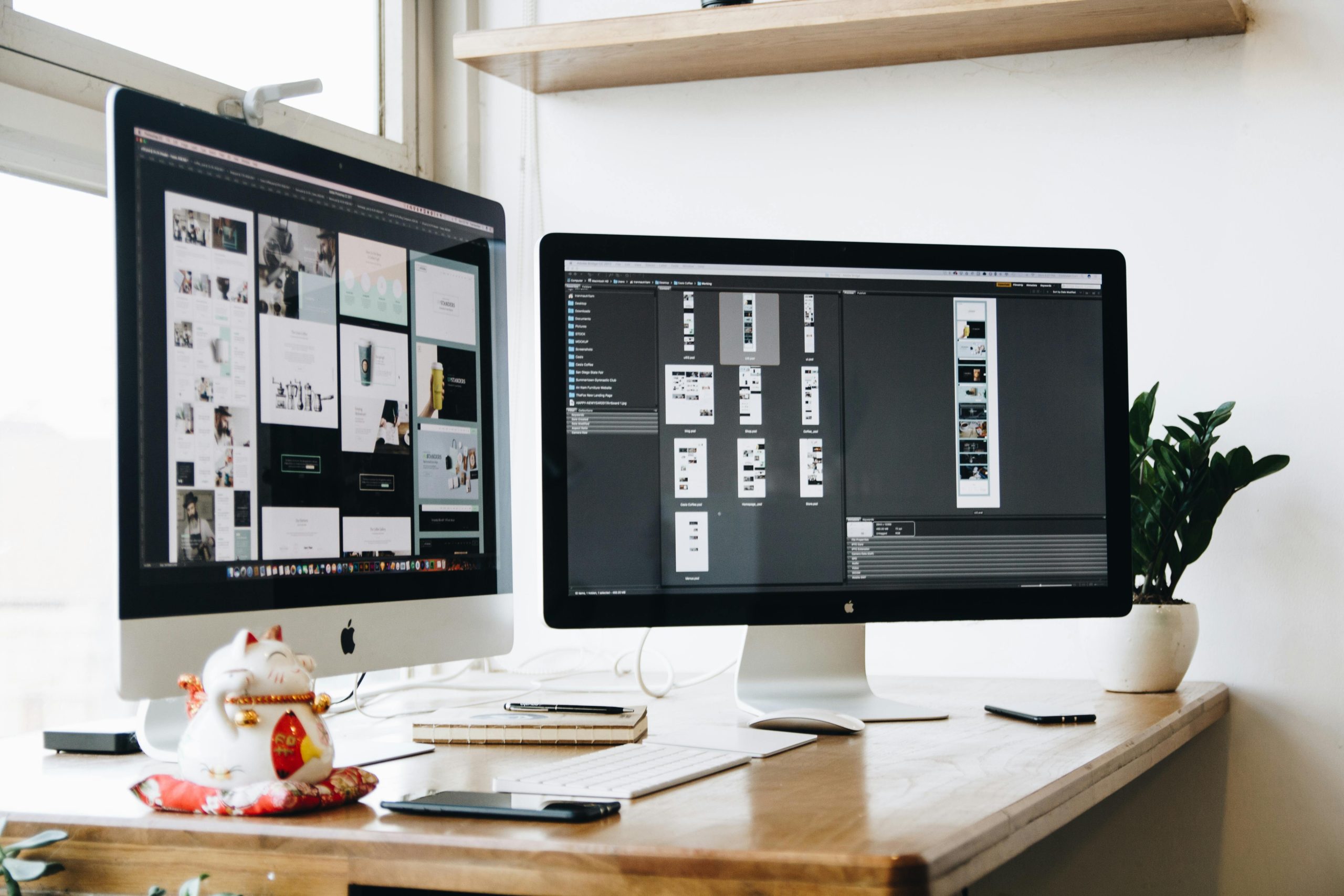
Your Complete Roadmap to Starting a Successful Career in Web Design
Web design is one of the most exciting and rewarding careers in today’s digital economy. Whether you’re a student, a career changer, or someone looking to restart your professional journey, becoming a web designer offers flexibility, creativity, and excellent earning potential.
In this guide, we’ll walk you through everything you need to know to start a career in web design, from learning the right skills to building your portfolio and landing your first job.
Questions Answered in This Guide
What does a web designer do, and is it different from a web developer?
Can I become a web designer without a degree?
What are the essential tools and skills I need to learn?
How do I build a portfolio if I have no experience?
How can I find my first web design job or freelance client?
(Scroll to the end for detailed answers to these questions.)
What Does a Web Designer Do?
A web designer is responsible for creating the visual layout, user experience (UX), and overall design of websites. Unlike web developers, who write code to make a website function, web designers focus on aesthetics, usability, and branding.
Key Responsibilities of a Web Designer:
Designing website layouts and interfaces
Creating wireframes, mockups, and prototypes
Choosing color schemes, fonts, and graphics
Ensuring responsive and mobile-friendly designs
Collaborating with developers to bring designs to life
Step 1: Learn the Essential Web Design Skills
To become a professional web designer, you’ll need a mix of technical, creative, and business skills. Here’s what you should focus on:
1. Design Principles & UI/UX Fundamentals
A great web designer understands color theory, typography, white space, contrast, and visual hierarchy. Learn how to design for user experience (UX) and user interface (UI) to create websites that are not just beautiful but also easy to navigate.
Recommended Resources:
2. Learn Web Design Software & Tools
Web designers use various tools for design, prototyping, and collaboration. Start with these:
Figma, Adobe XD, Sketch – For UI/UX design
Canva, Photoshop, Illustrator – For graphic design
WordPress, Webflow, Wix – For building websites without coding
Recommended Resource: Figma Learn
3. Understand HTML, CSS, and Basic JavaScript
While web designers don’t need to be full-fledged coders, understanding HTML (structure), CSS (styling), and basic JavaScript will help you communicate better with developers and create interactive designs.
Recommended Resources:
Step 2: Get Educated – Degree vs. Self-Study
There are multiple paths to becoming a web designer:
Formal Education (University Degree) – A degree in Graphic Design, Multimedia, or Computer Science can be helpful but is not required.
Self-Study & Online Courses – Many successful web designers are self-taught.
Bootcamps & Certifications – Short-term, intensive training programs can get you job-ready in a few months.
Top Online Web Design Courses:
Step 3: Build Your Portfolio (Even Without Experience!)
A strong portfolio is your most important asset when looking for clients or jobs. Even if you’re just starting, you can build a great portfolio by:
Redesigning existing websites (choose well-known brands and improve their designs)
Creating mock websites (fictional projects for various industries)
Offering free/low-cost services to small businesses or non-profits
Portfolio Inspiration Websites:
Step 4: Land Your First Job or Freelance Client
Now that you have skills and a portfolio, it’s time to find work!
Where to Find Web Design Jobs?
Job Boards: LinkedIn Jobs, Indeed, Glassdoor
Freelance Platforms: Upwork, Fiverr, Toptal
How to Market Yourself as a Web Designer
Create a personal website showcasing your work
Post on social media (Instagram, LinkedIn, Twitter)
Network on online communities (Reddit, Discord, Webflow forums)
Step 5: Keep Learning & Stay Updated
Web design is constantly evolving. Stay ahead by:
Following design trends (dark mode, minimalist UI, interactive animations)
Learning advanced design tools (AI-assisted design, motion graphics)
Expanding your skills (SEO, conversion optimization, e-commerce design)
Best Websites for Web Design Trends:
Answer Key to “Questions Answered” Section
What does a web designer do? → A web designer focuses on a website’s layout, UI/UX, and aesthetics, while developers handle coding.
Can I become a web designer without a degree? → Yes! Many designers are self-taught using online courses and practice.
What are the essential tools and skills? → Design principles, UI/UX, HTML/CSS, and tools like Figma, WordPress, and Photoshop.
How do I build a portfolio with no experience? → Redesign existing sites, create fictional projects, or do free work for small businesses.
Where can I find my first job? → Job boards (LinkedIn, Indeed), freelance platforms (Upwork, Fiverr), and networking.
Final Thoughts
Becoming a web designer in 2025 and beyond is a great career move with endless opportunities. With the right skills, a strong portfolio, and persistence, you can land your dream job or build a thriving freelance business.
Ready to start? Pick one skill today and begin your journey!
Post Views: 278